
青龙面板
随时随地操作青龙Operate Qinglong anytime, anywhere
青龙面板是开源项目青龙面板的第三方客户端,支持 iOS 与 HarmonyOS。需要您已经有部署青龙面板的服务器才能使用,可在移动端管理定时任务、订阅、环境变量、配置文件、脚本、依赖和日志。Qinglong Panel is a third-party client for the open-source Qinglong project on iOS and HarmonyOS. It requires your own deployed Qinglong server and lets you manage tasks, subscriptions, environment variables, config files, scripts, dependencies, and logs on mobile.



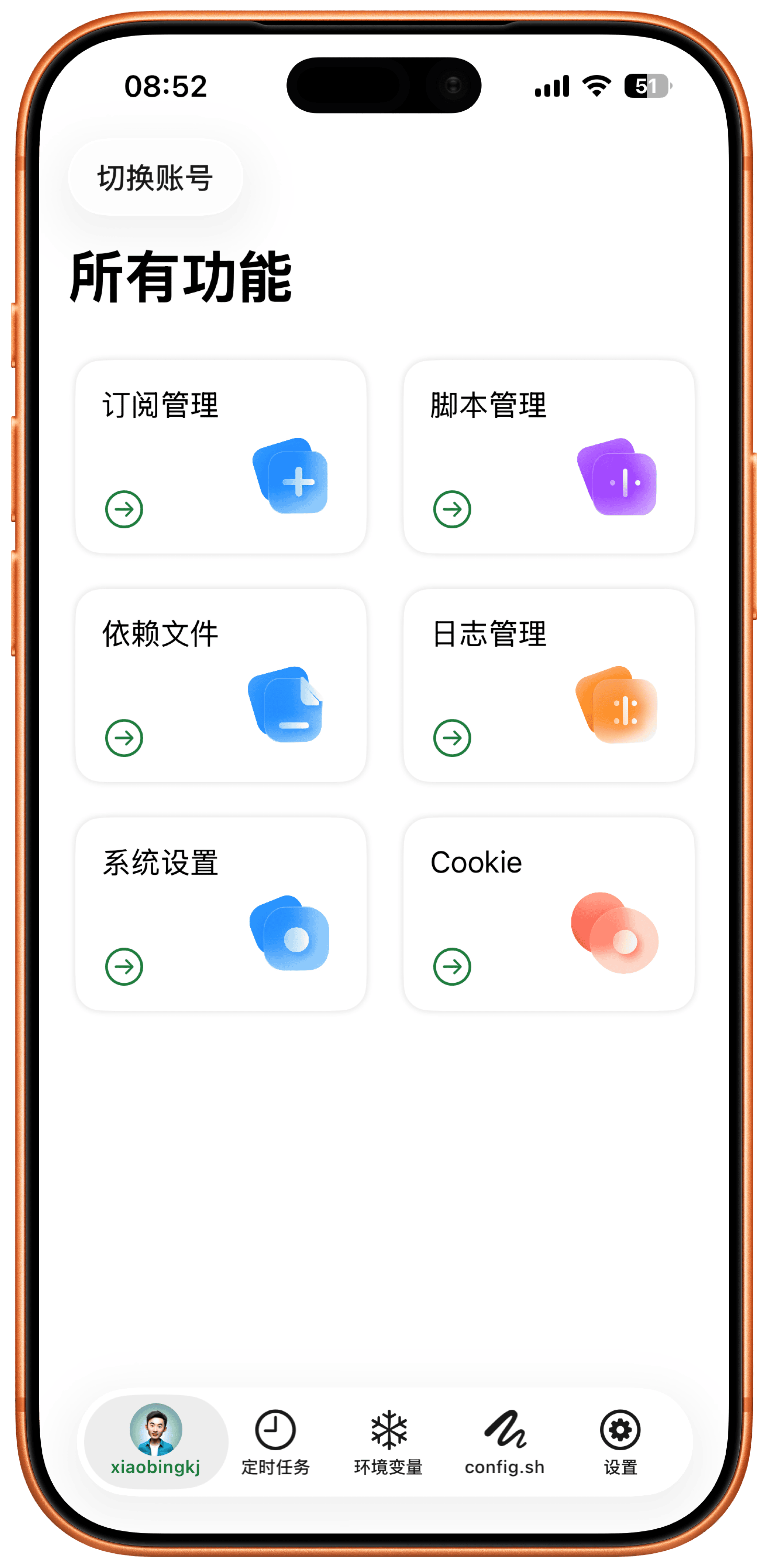
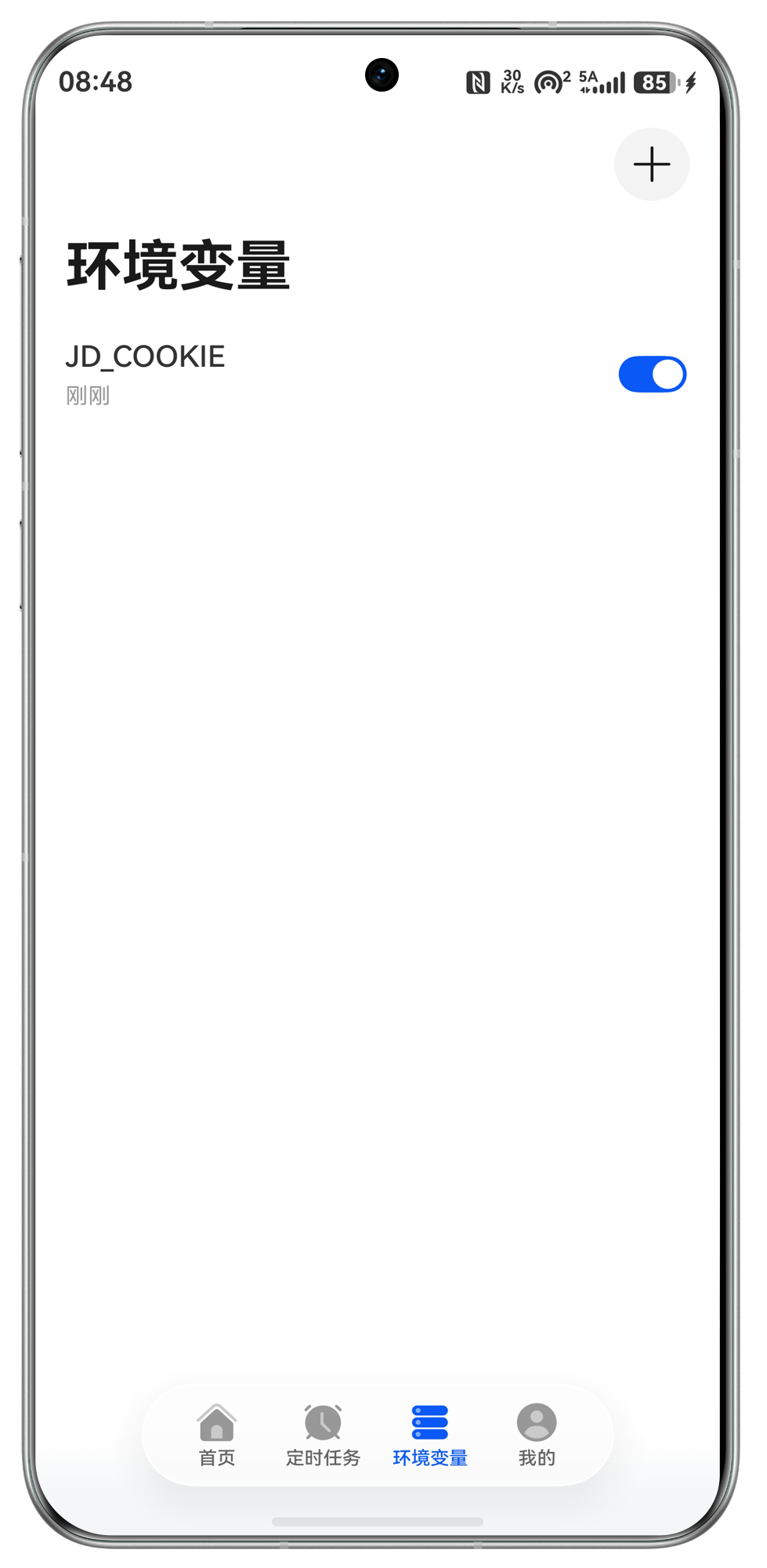
- 双平台支持Two platforms
- iOS / HarmonyOS
- 任务与订阅Tasks and subs
- Tasks / Subs
- 日志与依赖Logs and deps
- Logs / Deps
任务、订阅、变量、脚本和日志都在一个地方。Tasks, subscriptions, variables, scripts, and logs in one place.
面向已经部署青龙面板服务器的用户,把常见运维动作做成移动端工作流,适合临时查看、快速处理和远程维护。Built for users who already run a Qinglong server, this client turns common operations into mobile workflows for quick checks, fast fixes, and remote maintenance.
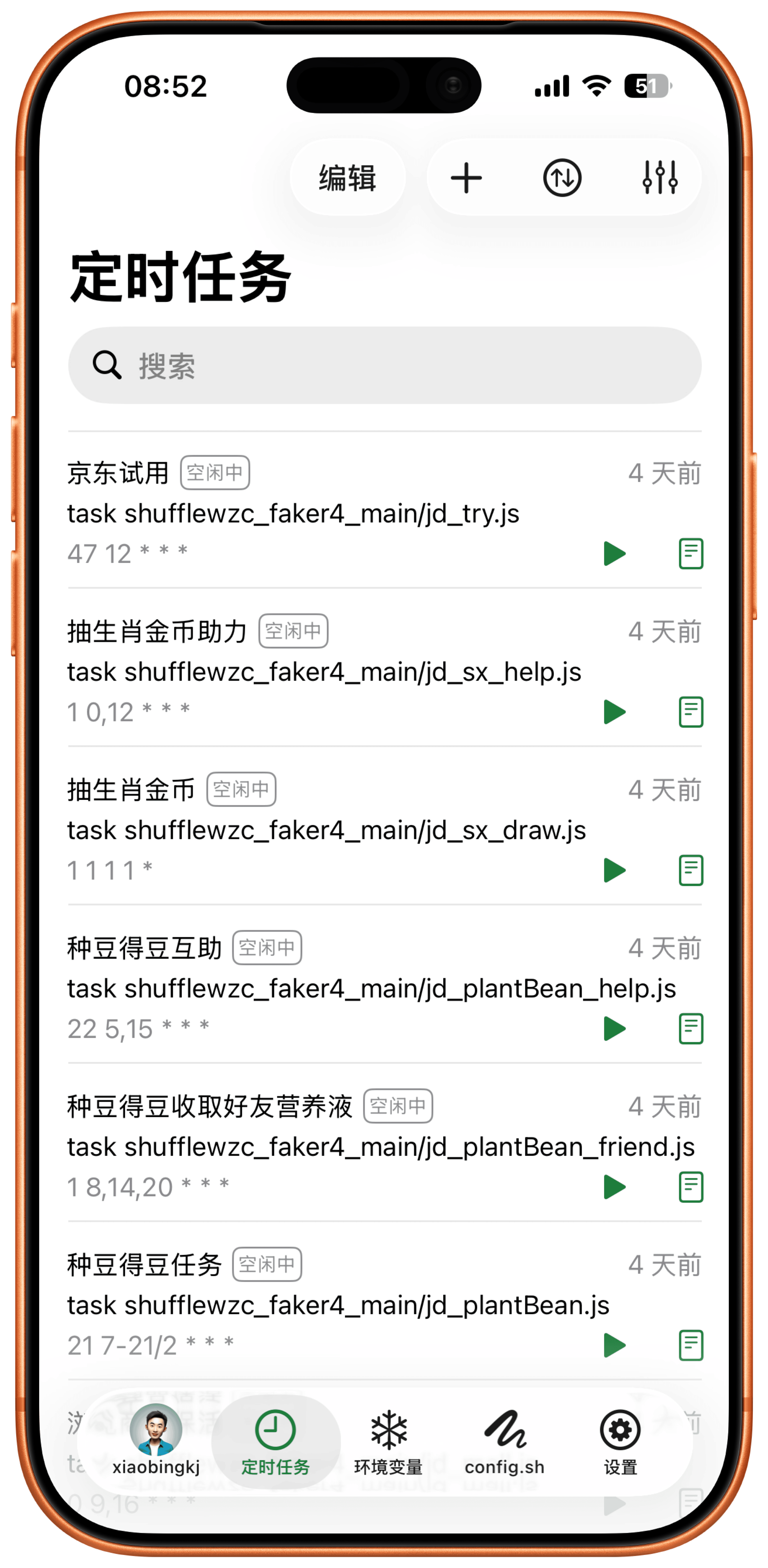
定时任务管理Scheduled task management
支持定时任务修改、新增、运行、停止、禁用、置顶、排序、多选和搜索。Modify, add, run, stop, disable, pin, sort, multi-select, and search scheduled tasks.
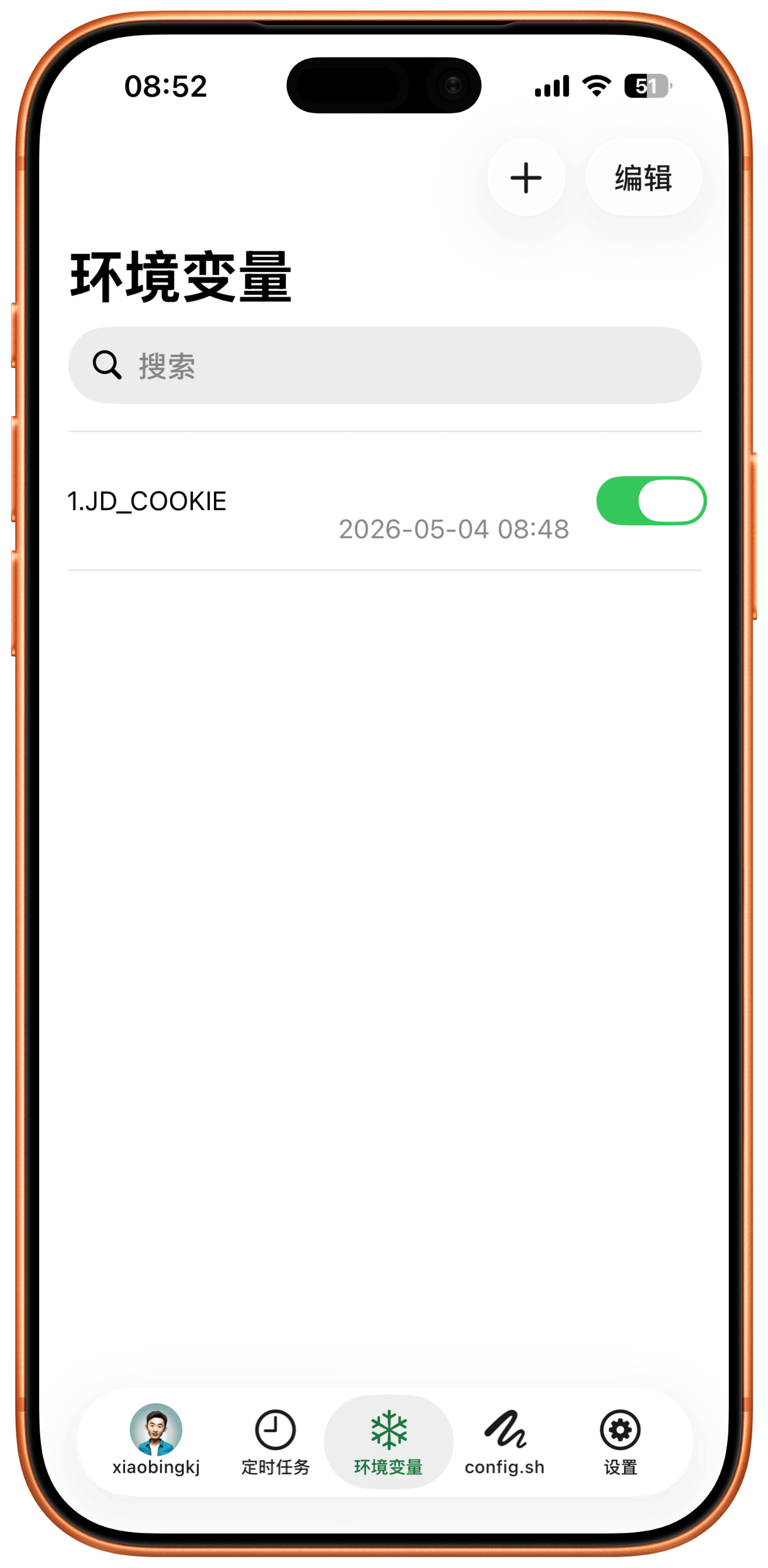
订阅与环境变量Subscriptions and env vars
订阅管理支持修改、新增、禁用和搜索;环境变量支持修改、新增、排序和搜索。Manage subscriptions with edit, add, disable, and search, plus environment variables with edit, add, sort, and search.
配置文件与脚本Config files and scripts
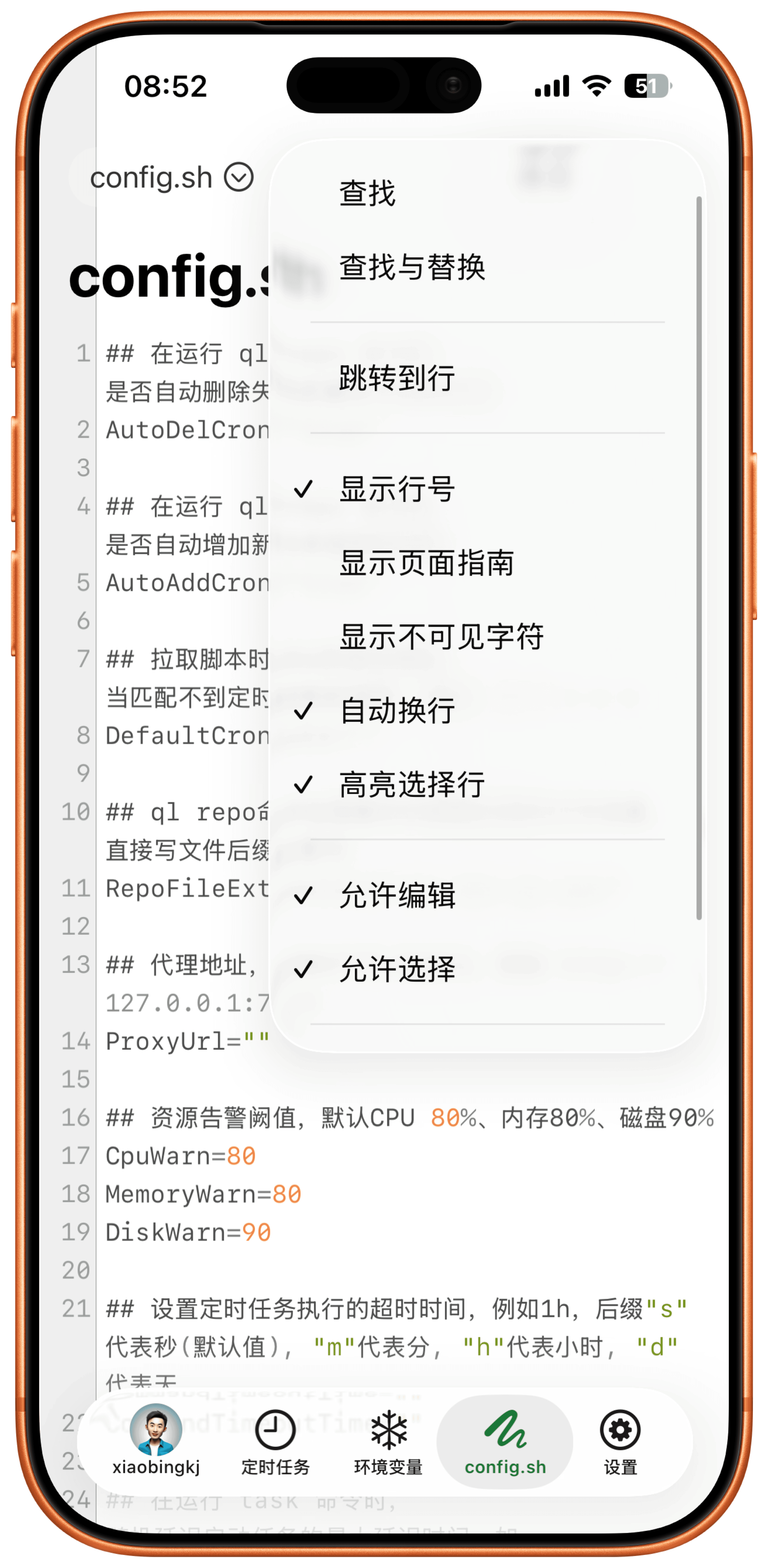
iOS 端支持配置文件修改,以及脚本修改、上传和搜索,让常见维护不必回到电脑前。On iOS, edit config files and modify, upload, and search scripts without returning to a desktop.
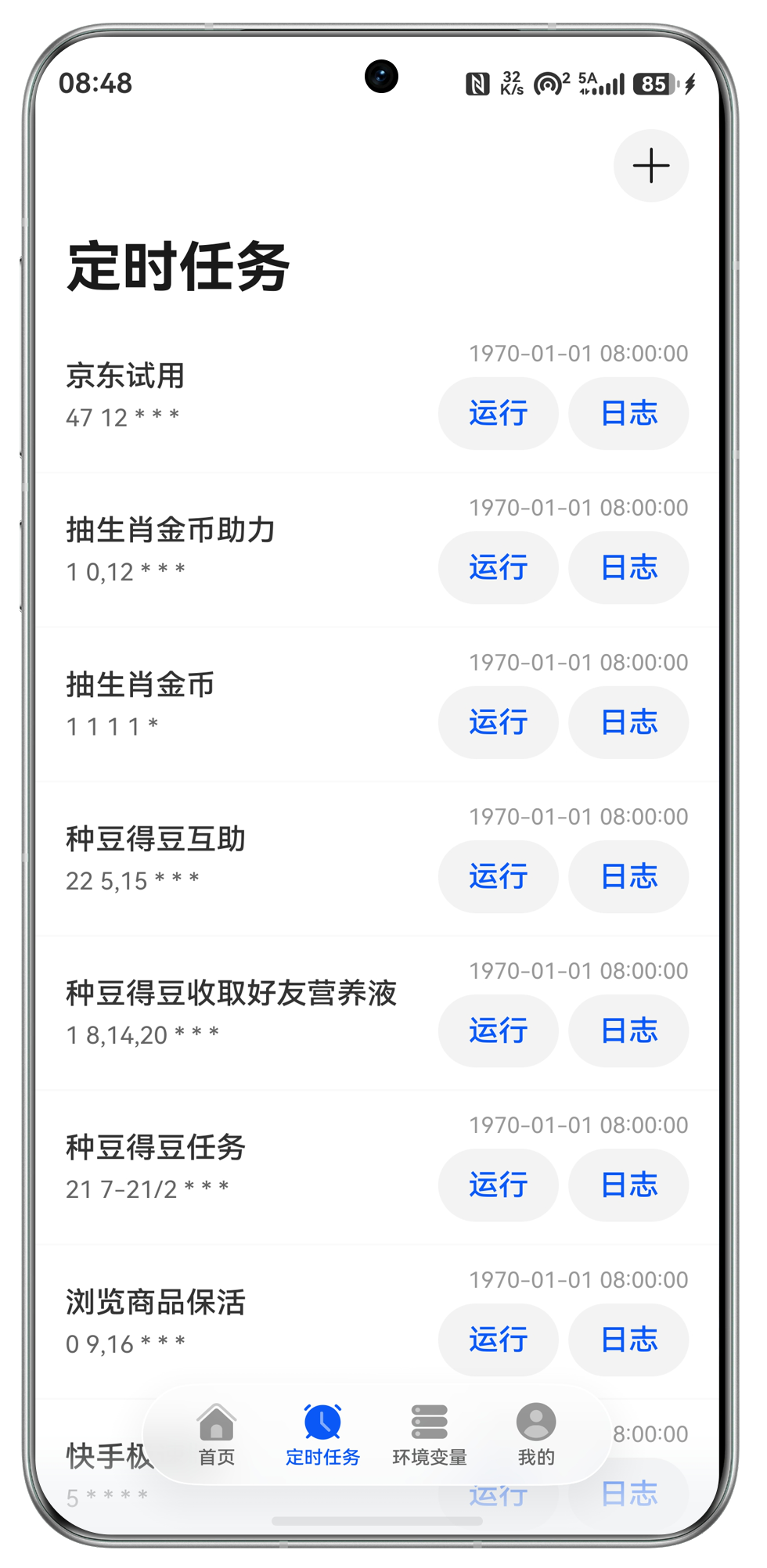
依赖与日志查看Dependencies and logs
依赖管理支持新增、添加常用、重新安装;日志管理支持查看和搜索。Add dependencies, keep common ones, reinstall them, and view or search logs.
系统与登录日志System and login logs
随时查看系统日志和登录日志,定位任务、依赖和登录异常更方便。View system and login logs anytime to diagnose task, dependency, and login issues.
账号与数据迁移Account and migration
支持修改用户名密码,iOS 端还支持导入、导出,迁移配置更轻松。Change username and password, with import and export on iOS for easier migration.
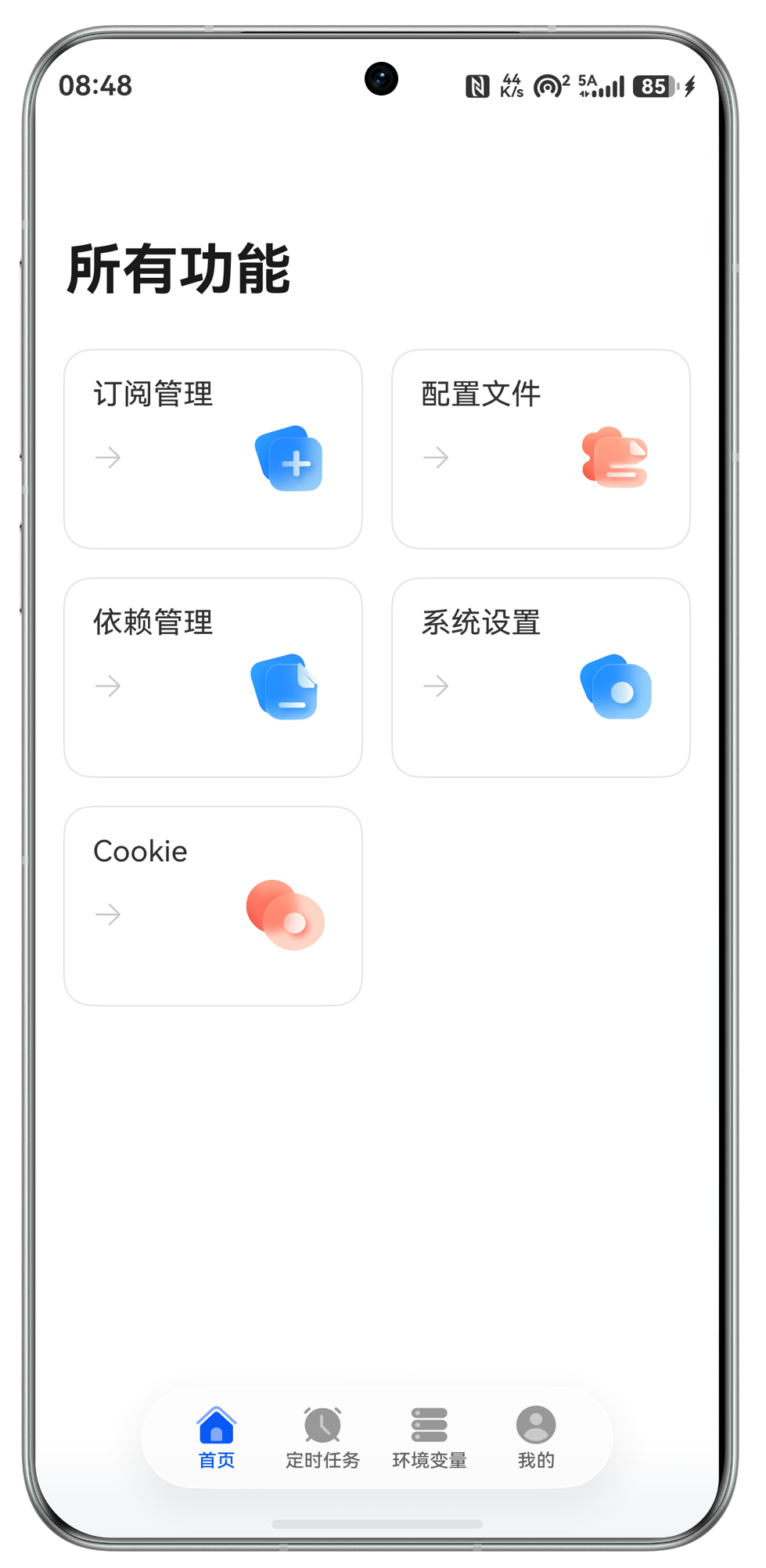
HarmonyOS 常用操作HarmonyOS operations
HarmonyOS 端覆盖任务运行、停止、禁用、置顶,订阅、环境变量、依赖和日志等核心操作。The HarmonyOS client covers task run, stop, disable, pin, subscriptions, environment variables, dependencies, and logs.
围绕青龙面板移动运维打磨的完整工具箱。A focused toolkit for mobile Qinglong operations.
从任务运行、订阅更新到环境变量、依赖、脚本和日志,青龙面板让常见操作可以在移动端快速完成。From running tasks and updating subscriptions to environment variables, dependencies, scripts, and logs, Qinglong Panel brings common operations to mobile.
定时任务Scheduled tasks
运行、停止、禁用、置顶任务,iOS 端还支持新增、排序、多选和搜索。Run, stop, disable, and pin tasks, with add, sort, multi-select, and search on iOS.
订阅管理Subscription management
修改、新增、禁用订阅,iOS 端支持搜索,方便处理大量订阅项。Edit, add, and disable subscriptions, with search on iOS for larger lists.
环境变量Environment variables
修改、新增环境变量,iOS 端支持排序和搜索,快速定位关键变量。Edit and add environment variables, with sorting and search on iOS for quick access.
配置文件与脚本Config files and scripts
查看或修改配置文件,iOS 端支持脚本修改、上传和搜索。View or edit config files, and modify, upload, or search scripts on iOS.
依赖管理Dependency management
依赖管理支持重新安装、查看日志,iOS 端还支持新增和添加常用。Reinstall dependencies and view logs, with add and favorites on iOS.
系统与登录日志System and login logs
查看系统日志和登录日志,iOS 端还支持日志管理查看和搜索。View system and login logs, plus log management and search on iOS.
打开青龙面板,随时处理远程任务。Open Qinglong Panel and handle remote tasks anytime.
iOS 与 HarmonyOS 均可下载。请先确保你已经部署了青龙面板服务器,再连接客户端进行任务、订阅、环境变量、依赖和日志管理。Download for iOS or HarmonyOS. Make sure your Qinglong server is already deployed, then connect the client to manage tasks, subscriptions, variables, dependencies, and logs.
真实反馈集中在会员、搜索、依赖和登录体验。Real feedback centers on subscription, search, dependency, and login experiences.
评论来自实际青龙面板使用场景,包含功能诉求、问题反馈和版本兼容体验。Reviews reflect real Qinglong usage, including feature requests, bug reports, and version compatibility notes.
从查看日志到完整远程操作。From viewing logs to full remote control.
免费用户无法运行任务、更新订阅或设置环境变量;升级后解锁常用青龙面板操作。Free users cannot run tasks, update subscriptions, or set environment variables. Upgrade to unlock common Qinglong operations.
免费用户Free
¥0
适合先查看面板状态和日志。Start by viewing panel status and logs.
- 无法运行任务Cannot run tasks
- 无法更新订阅Cannot update subscriptions
- 无法设置环境变量Cannot set environment variables
月付Monthly
¥6
适合短期维护和临时远程操作。Good for short-term maintenance and remote operations.
- 运行任务Run tasks
- 更新订阅Update subscriptions
- 设置环境变量Set environment variables
年付Annual
¥29.99
适合长期管理自己的青龙面板。Best for long-term Qinglong panel management.
- 运行任务Run tasks
- 更新订阅Update subscriptions
- 设置环境变量Set environment variables
永久Lifetime
¥38
一次购买,长期解锁核心操作。One purchase for long-term access to core operations.
- 运行任务Run tasks
- 更新订阅Update subscriptions
- 设置环境变量Set environment variables
常见问题Frequently asked questions
这里整理了青龙版本安全更新和使用前置条件。Security update notes and prerequisites for using the Qinglong client.
青龙 v2.20.2 为什么重要?Why is Qinglong v2.20.2 important?
青龙 v2.20.2 修复了 path 和 init 接口安全漏洞,属于重要安全更新。Qinglong v2.20.2 fixes security vulnerabilities in the path and init APIs, making it an important security update.
所有版本都需要更新吗?Do all versions need to be updated?
所有版本都需要更新。如果不更新,就不要把青龙面板暴露到外网。All versions should be updated. If you do not update, do not expose your Qinglong panel to the public internet.
使用前需要准备什么?What do I need before using it?
需要您已经有部署青龙面板的服务器。本应用是青龙面板第三方客户端,不提供服务器部署。You need to already have a deployed Qinglong panel server. This app is a third-party client and does not provide server deployment.